
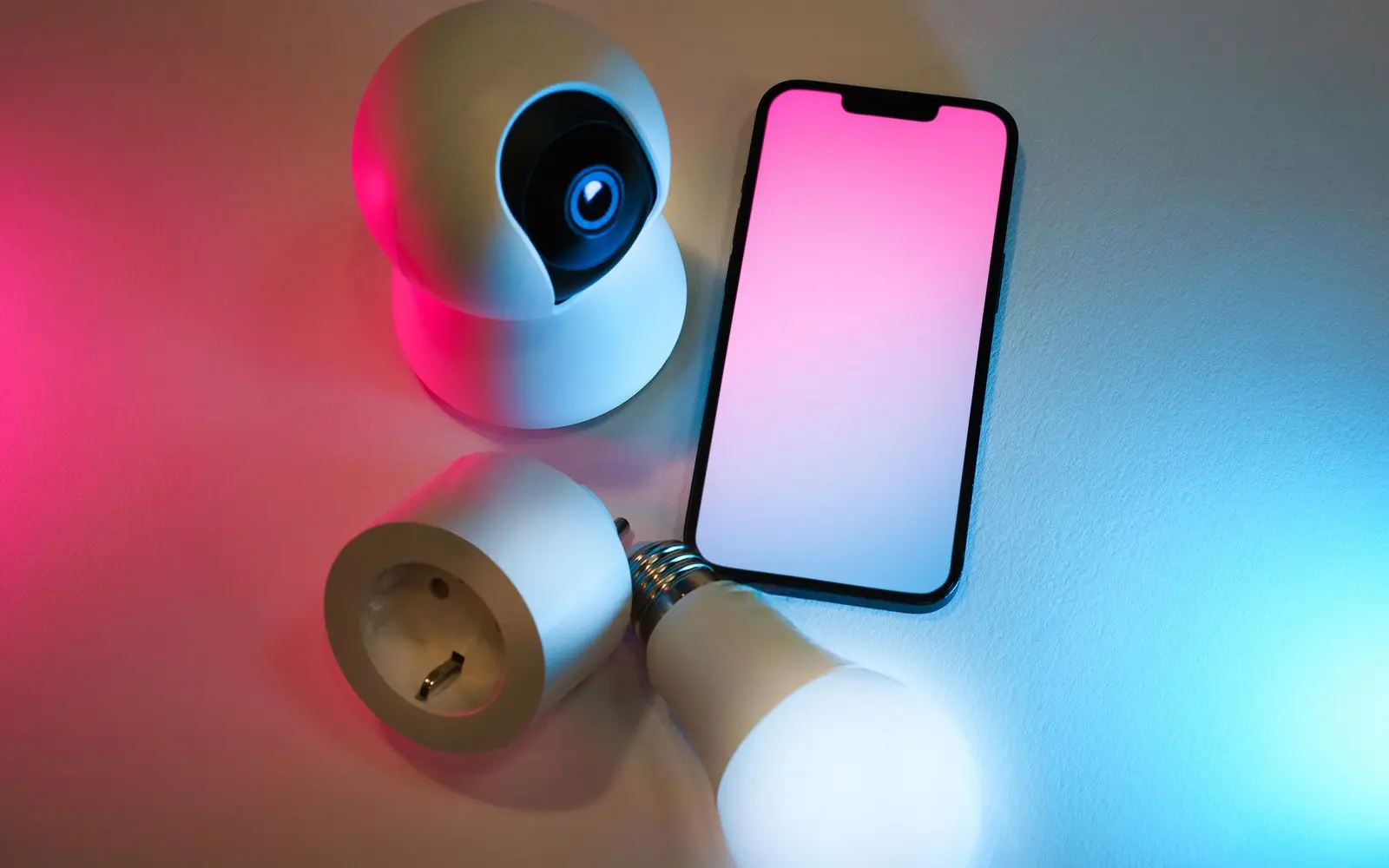
Reset your smart home devices
Smart homes are great. Smart homes that are still connected to the previous owner? Not so much. Here's what to check after you move in.
Before you reset anything: a factory reset usually wipes user codes, Wi-Fi setup, the owner account, and any Alexa, Google Home, or HomeKit pairing, and it can't be undone. Confirm the exact model first, keep a physical key handy, and have the manual open.
Tap a category to see the official support links and what to do.
- myQ (Chamberlain / LiftMaster) →Remove the old owner's account, then re-add the opener
- Genie (including Aladdin Connect) →Factory reset the opener and pair it to your account
- Overhead Door →Clear the stored remotes and keypad codes on the motor unit
- Ring (doorbell & cameras) →Ask the seller to release the device, then set it up fresh
- Google Nest thermostat →Reset to factory defaults and remove it from the old home
- ecobee thermostat →Reset registration, then register it to your email
- August →Delete all old user codes and reset the lock's owner
- Schlage →Clear the programming code and every stored user code
- Yale →Factory reset the lock, then re-enroll it in your app
- Kwikset (SmartCode, Halo, Aura) →Reset the lock and delete the previous owner's account access
Any hub, smart switch, or outlet left behind may still be paired to the seller's account. Factory-reset each device, then add it to your own account so nothing in the house responds to someone else.
- Amazon Alexa & Echo devices →Deregister the Echo, factory reset it, then set it up on your own Amazon account
- Google Home / Nest speakers & displays →Remove the device from the old home, factory reset it, then add it to your home
- Apple Home (HomeKit) →Reset each accessory and re-add it, or remove the leftover home in the Home app
- Philips Hue lights & bridge →Factory reset the bridge so the bulbs stop answering to the old account
- Lutron Caséta dimmers & switches →Reset the smart bridge, then re-pair the switches you actually want to control
If networking gear conveyed with the home, factory-reset it and set a new network name and password. Then walk the house once more and confirm no device is still tied to the seller's email.
- eero mesh →The seller has to release the network from their account before you can claim it
- Netgear (Nighthawk, Orbi) →Hold the reset pinhole, then set a new network name and admin password
- TP-Link (Archer, Deco) →Factory reset and unbind the router from the previous TP-Link ID
- ASUS routers →Reset to defaults and create a new admin login before connecting anything
- Xfinity / provider-supplied gateways →If the modem or gateway stays, have the account transferred or swap it at a service center